
For Do It Best (DIB) EDI stores, when creating a special order, it can be designated a Customer Direct Shipment, which causes Do It Best to ship the order directly to the customer, not the store.
This allows stores to order product on behalf of customers without needing to receive the items into inventory.
To activate this, when saving a DIB special order, the Special Order Delivery Address window opens, where the order can be designated as a Do It Best Customer Direct shipment.
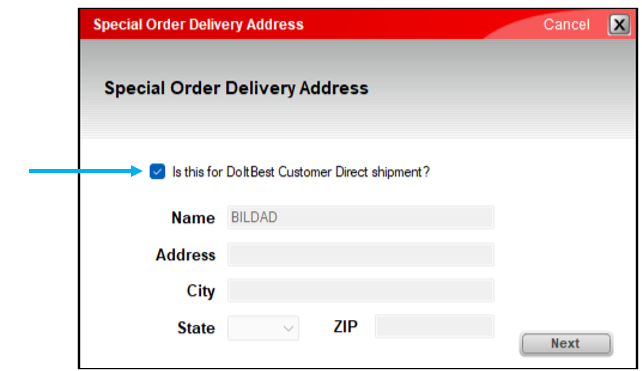
Figure 1: Special Order Delivery Address window/Do It Best Customer Direct shipment
If you have questions or suggestions about this information, contact support@paladinpos.com.
*Content is subject to change. For the most recent version, visit the Help Portal.
Printed on: 2/11/26
