
This feature allows an EJD store to pick up the EJD Promo Item file and import it into an Excel spreadsheet. This file contains promo IDs and pricing for discounts EJD is offering retailers. Paladin supplements this data with sales history, Suggested Order quantity, stock on hand, on order quantity, and other store-specific data so clients can make informed buying decisions that take advantage of promos offered by EJD.
To open and apply promotions in Paladin:
- On the top menu of Paladin, select Maintain > Data Viewer.
- Select the EJD Promos tab.
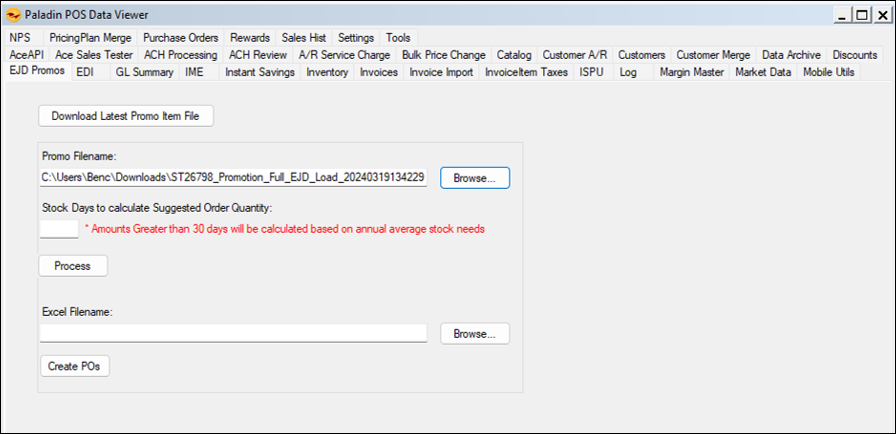
Figure 1: EJD Promos
Note: This tab is only seen if Ace EJD (Emery Jensen Distribution) is the EDI supplier.
- Click Download Latest Promo Item File.
- In Promo Filename, click Browse to search/open the EJD .txt promo file downloaded.
- Stock Days to calculate Suggested Order Quantity is set to the default of 14 days with the note that Amounts Greater than 30 days will be calculated on annual average stock needs.
Note: Suggested Order Quantity over 30 days looks at full years’ worth of sales. The default of 14, up to 30 days, looks at the preceding weeks of sales.
- Make any change to the days, if needed, then click Process.
The EJD Promo Order message window opens giving a time estimate for the process.
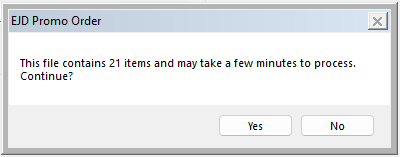
Figure 2: EJD Promo Order message window
- Click Yes.
The EJD Promos tab reflects that the process is complete:
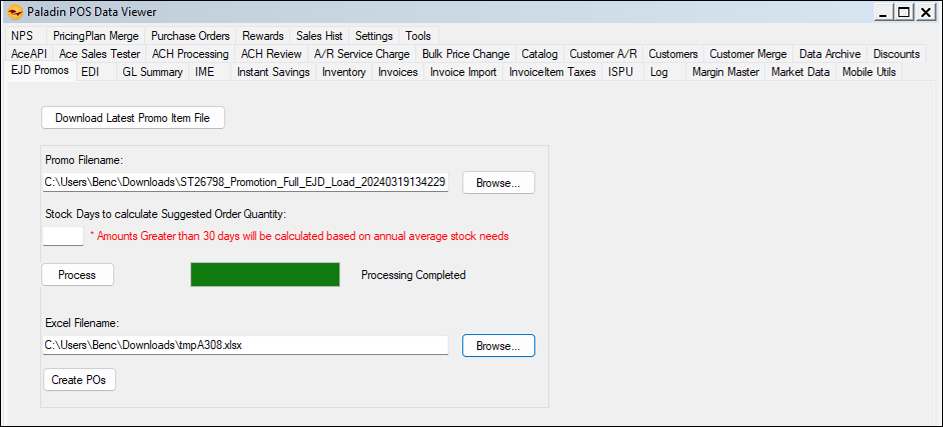
Figure 3: Process Completed
The following Excel spreadsheet is created:
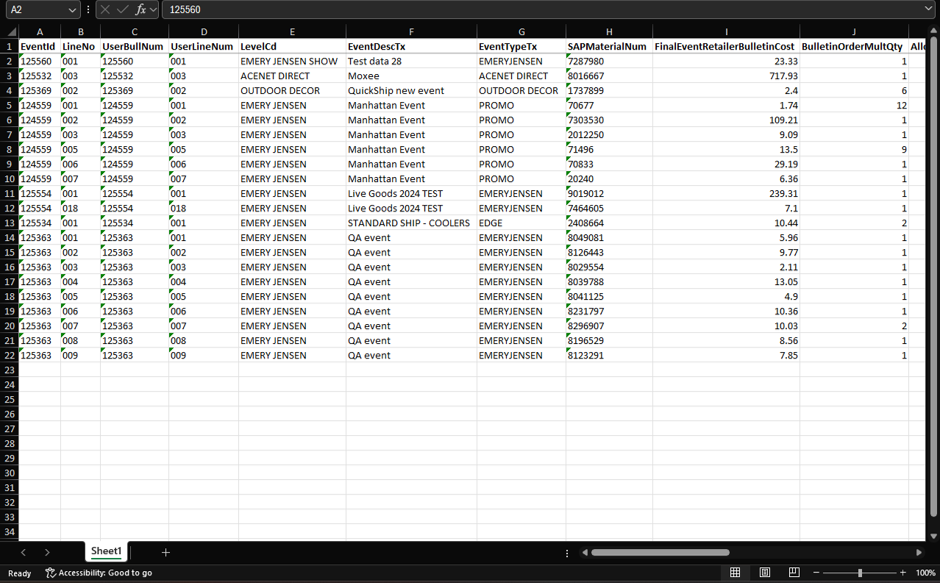
Figure 4: EJD Promos spreadsheet
To locate EJD Promo files in Paladin:
- On the bottom ribbon of the PO module, select F6 Recall PO.
The Recall PO window opens.
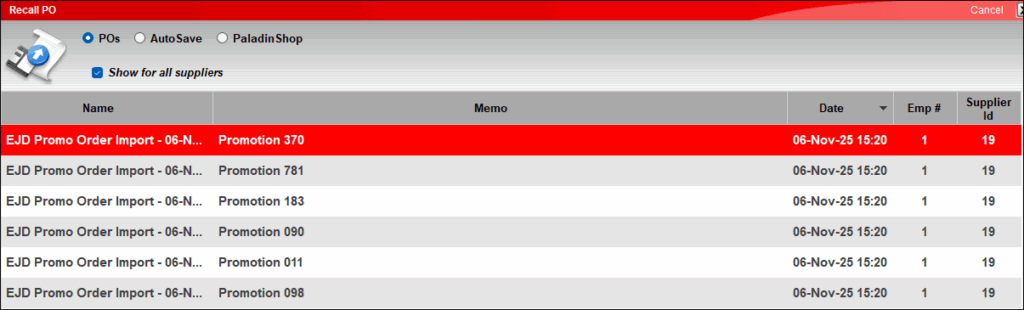
Figure 5: Recall PO window
If you have questions or suggestions about this information, contact support@paladinpos.com.
